


I have posted about the misconceptions of user experience design and information architecture. Now I want to dispel some myths about accessibility.
I dislike the term accessibility. It is an accurate enough term. It just conjures up the wrong preconceptions. When you talk about accessibility people’s eyes glaze over. They are either imagining wheelchair ramps or WCAG checklists. Either way, it does nothing to capture the truth about accessibility.
That is why I talk about inclusive design instead. Accessibility is about designing for everybody, not the few. It is not about designing just for the disabled. It is about designing for every one of us.
That is the problem with our perception of accessibility. We see it as being about edge cases. When we see it in that way it is not worth the investment. How could you justify spending money on a podcast transcription when you don’t even know if you have any deaf users? But good accessibility (or inclusive design) benefits all.
Take the transcript example. A transcript has many benefits.
- It is great for search.
- It allows people to scan content which is hard in audio.
- It makes referencing content easier.
- It provides access to those unable to listen to audio because of disturbing others (e.g. in an office).
But it is not just transcripts that benefit many different kinds of people. Almost all accessibility features do. Let me share a few examples.
Technological disability
Almost everybody has Javascript enabled these days. Why would you bother designing for the few who don’t? But what about those using underpowered mobile devices. I have seen my iPhone choke on Javascript more than once. Then there are those on feature phones or poor web connections.
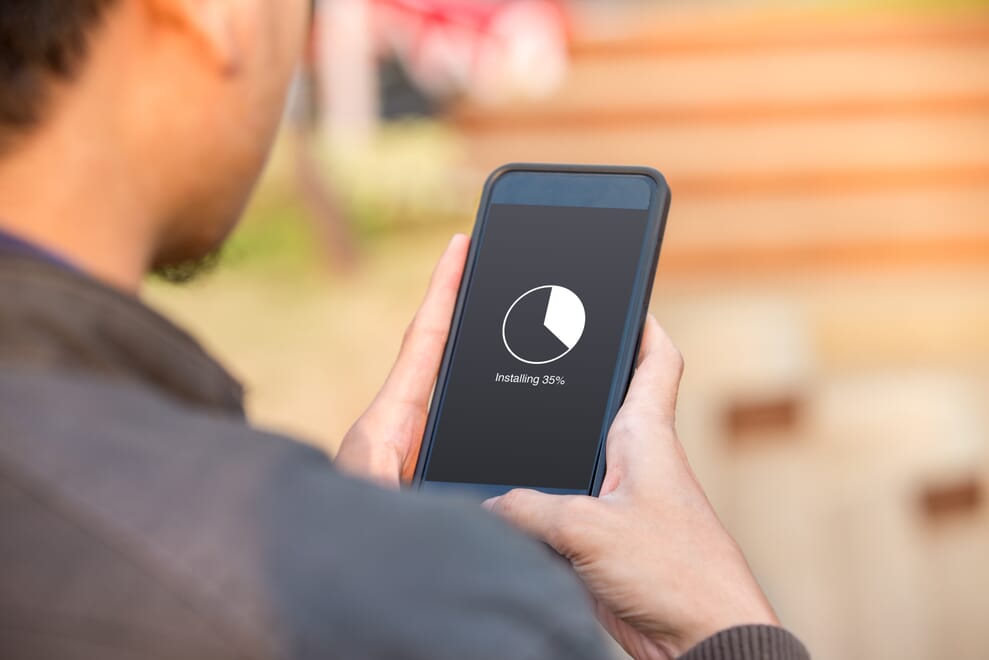
What about our bloated websites? Surely they are okay in the world of broadband. But what about those on slower mobile connections? What about those who have bandwidth caps?
At some point all of us will encounter one of these situations.
Visual impairment
Designers love to produce subtle design. This is fine if you have 20/20 vision, but what about the partially sighted. They need high contrast. But it is not just them. What about anybody over 40 whose vision is beginning to fail? What about those using a mobile device outside with screen glare?
If you have ever tried to work in the garden on a sunny day you realise the importance of high contrast.
Cognitive disability
People rarely consider those with a cognitive disability. Somebody with a cognitive disability would never use my site. What would be the point of designing for them?
, In fact, we all have moments of cognitive disability! We are distracted, in a rush or otherwise engaged. We might have dyslexia or not speak English as our first language.
The great thing is that if your site works for those with cognitive disabilities it is going to be a better site for everybody.
Motor challenges
“If somebody struggles to use a mouse and keyboard they shouldn’t be using the web”. Somebody said that to me once. This is a horrendous attitude to take. But this isn’t just about those with serious motor problems. There are lots of reasons why somebody would struggle to use a mouse and keyboard.
Arthritis can make using a mouse or keyboard challenging to anybody. A touch screen is not as accurate as a mouse and so making selections can be harder. What about those suffering from repetitive strain injury or somebody who has broken their wrist?

Screen reader compatibility
You may think that making your site or app friendly for screen readers only benefits the visually impaired. You would be wrong. In fact, I use text to speech every day and I am far from alone.
On my iPhone, I use the screen reader designed for the visually impaired all the time. I get it to read me web pages, articles in Pocket and even Kindle books. I use it when exercising, driving or just lying in bed at night when I have had enough of looking at the screen.
I am sure by now you get my point. Accessibility is not about designing for the few. It is designing for us all.
I am a great believer in not allowing edge cases to damage the experience for us. But accessibility doesn’t fall into that category for me. That is because it helps everybody and ultimately leads to a better website.
Thanks to Shutterstock for allowing me to use the images in this post.


